
IPTV Smarters (UK Guide 2026): What It Is, How It Works, Setup, Features, and Fixes
IPTV Smarters is a popular IPTV player app that helps you organise and play streams from your IPTV source on devices like
Android TV, Fire TV, phones/tablets, and computers. It’s a player (not a channel provider), which means it doesn’t include channels by itself—your IPTV details (playlist/login) provide the content.
What is IPTV Smarters?
IPTV Smarters is an IPTV player (not a TV channel provider). It doesn’t come with channels included.
Instead, it loads and organises streams you add using details provided by your IPTV source (for example, a playlist or login).
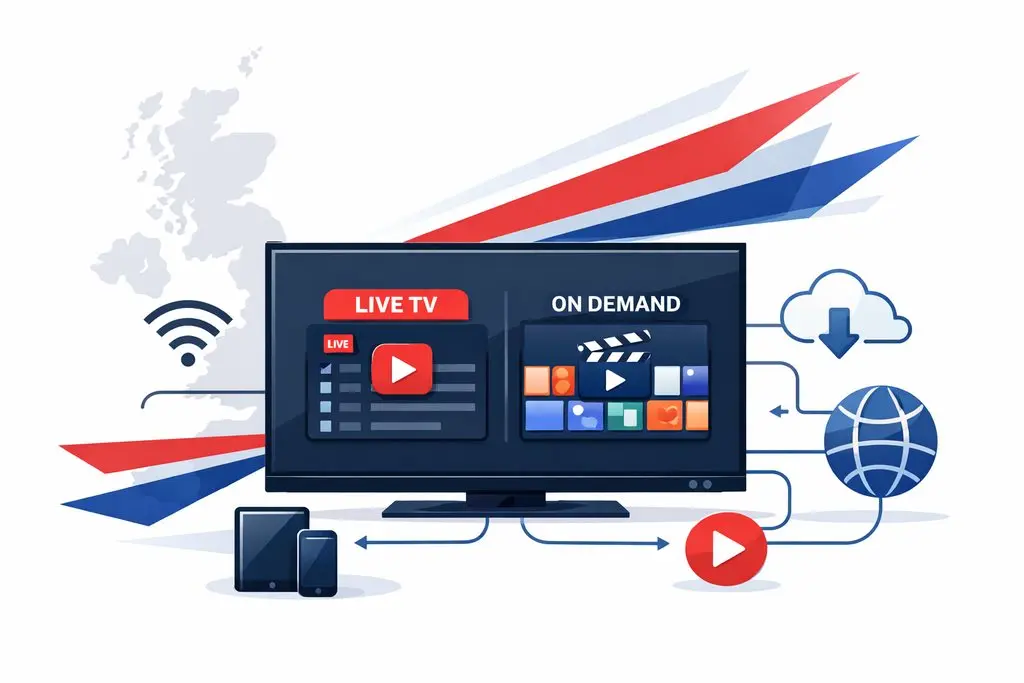
In plain English: IPTV Smarters turns your channel list into a cleaner “TV-style” interface—often grouping content into
Live TV, Movies (VOD), and Series—so it feels closer to a modern streaming app than a raw playlist.
How it works works
Most setups follow the same flow:
- You install IPTV Smarters on your device.
- You add your IPTV details (the method depends on what your IPTV source provides).
- The app loads categories (Live TV, Movies, Series) and pulls guide data if available.
- You browse and play streams through the app interface.
IPTV Smarters doesn’t “create” channels—it displays what your IPTV source provides. Stream quality depends on your connection,
device performance, and the stream infrastructure behind the scenes.
How to set it up for the best experience
IPTV Smarters is usually quick to configure. The exact screens vary by device, but the setup pattern stays consistent:
- Install IPTV Smarters on your device.
- Open the app and choose the login method supported by your IPTV source.
- Enter the required details and let the app load channels and categories.
- Open Live TV, Movies, or Series and start streaming.
for it to populate. Then refresh once—this makes browsing feel much more “TV-like”.
If you want a device-by-device walkthrough, use:
Installation Guide (device setup).
Key features people look for in IPTV Smarters
- Clean interface: TV-style layout (Live TV, VOD, Series).
- EPG support: Programme guide (when your stream supports it).
- Search and sorting: Faster browsing for channels and titles.
- Favourites: Save commonly watched items into a short list.
- Multi-screen: On some devices/versions, view more than one stream at once.
- Parental controls: Restrict categories for family-friendly use.
- External player support: Optional compatibility fallback in certain setups.
Feature availability can vary by device platform and version. If one feature is missing, it may be a platform limitation—not a fault with your account.
Devices that are supported
Common platforms include:
- Android phones and tablets
- Android TV devices and TV boxes
- Amazon Fire TV and Firestick
- Windows and macOS computers
- Some Smart TV environments (varies by model)
IPTV Smarters vs other IPTV players
If you’re comparing apps, Smarters Pro is usually chosen for organisation and living-room usability—not just “load a playlist and press play”.
| Feature | IPTV Smarters | Other IPTV players |
|---|---|---|
| Interface | Modern and organised | Varies (often basic) |
| EPG support | Commonly supported | Not always included |
| Ease of navigation | Beginner-friendly | Can be confusing |
| Multi-device use | Often used across devices | Depends on the app |
Internet requirements for IPTV
IPTV streams video over the internet, so connection quality matters. If you see buffering, it’s commonly caused by
weak Wi-Fi, network congestion during peak hours, or stream instability.
- SD streaming: works on basic broadband.
- HD streaming: needs a stable, moderate-speed connection.
- 4K streaming: benefits from fast and consistent speeds plus strong Wi-Fi or wired Ethernet.
For deeper troubleshooting: What affects IPTV stream quality.
Common IPTV problems and simple fixes
- Channels not loading: re-check details and refresh/reload the playlist in settings.
- EPG not showing: enable EPG, wait for it to populate, then refresh once.
- Buffering: test on Ethernet/strong 5GHz Wi-Fi, reduce interference, try peak-hour testing.
- App crashing: update the app, clear cache, restart the device.
If a stream buffers on every device, it’s more likely a stream-side issue. If it buffers only on one device, it’s more likely device/Wi-Fi.
Frequently asked questions about IPTV Smarters
Does IPTV Smarters provide TV channels?
No. IPTV Smarters is a player application. It organises and plays streams you add.
Is IPTV Smarters easy for beginners?
Yes. Many people choose it because the interface is straightforward and organised.
Can IPTV Smarters be used on multiple devices?
Many users install IPTV Smarters on more than one device. Your experience depends on your device platform and setup.