
IPTV Smarters Pro UK (2026): Setup, Login, EPG, and Quick Fixes
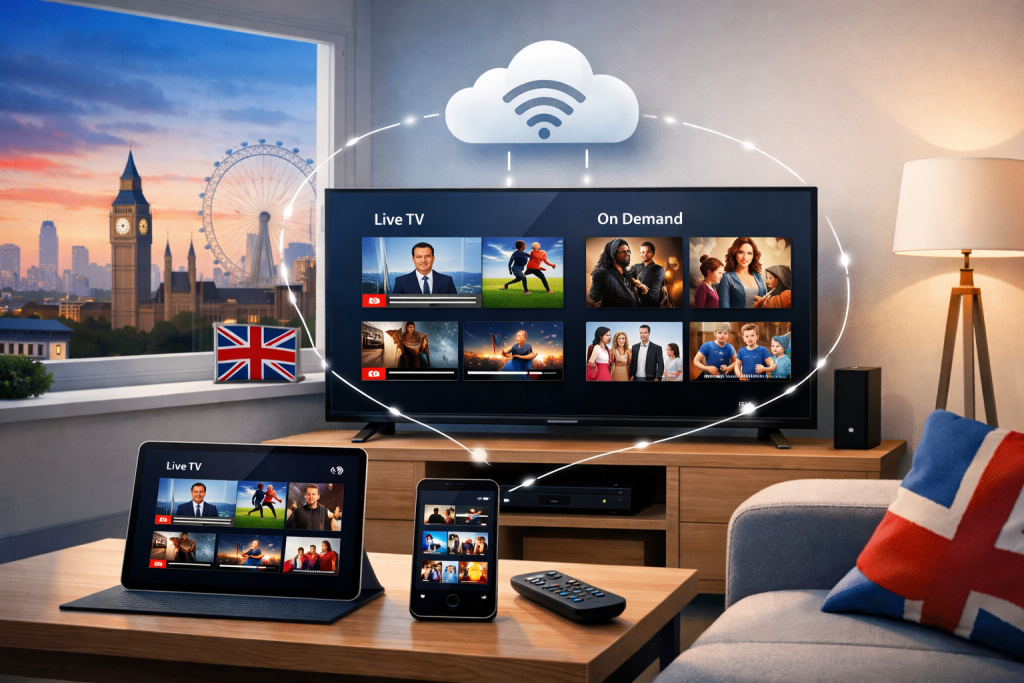
iptv smarters pro is a player app people use to load a playlist or login from a service they already have,
then browse Live TV, VOD, and an EPG on a TV-friendly interface. This UK guide explains how Smarters pro works,
how to sign in cleanly, how to make the guide readable, and how to fix the common problems that cause buffering or “empty channels”.
This page is general information, not legal advice. See:
Is IPTV legal in the UK?
1) What IPTV Smarters Pro is (and isn’t)
Smarters pro is a player. It reads your playlist or login details and turns them into a clean TV experience:
categories, channels, VOD folders, and an EPG if your source provides one.
What Smarters pro does not do: it does not create channels or sell broadcasting rights. If someone claims
“install Smarters pro and you get every channel”, they are mixing up the player and the content source.
Fix the source, network, or EPG mapping first.
2) Before you start: details you need
Most “nothing loads” issues in iptv smarters pro happen because the login details are incomplete.
Get these from your provider before you begin:
Setup checklist
- Xtream login: server URL + username + password
- or M3U: M3U URL/file
- EPG (optional): XMLTV URL for a proper programme guide
- Device plan: TV only vs TV + mobile
If you want an on-screen guide, add EPG after channels load. That order helps iptv smarters pro avoid “empty guide” confusion.
3) Install on common UK devices
You can run iptv smarters pro on many platforms, but performance depends on hardware. Newer TVs and dedicated streaming devices
tend to be smoother than older smart TV chipsets, especially with very large playlists.
4) Login methods (Xtream vs M3U)
iptv smarters pro usually supports two practical login paths:
Option A: Xtream Codes API (cleanest for organisation)
- Server URL
- Username
- Password
Option B: M3U playlist (simple and universal)
- M3U URL or file
- Optional EPG XMLTV URL
If login succeeds but channels don’t appear, test the same credentials on a second network (mobile hotspot).
That one test quickly shows whether the issue is your ISP/router or the source feeding iptv smarters pro.
5) EPG setup (programme guide) that matches
The programme guide in iptv smarters pro depends on correct channel IDs. A valid XMLTV file can still show wrong programmes
if the provider metadata doesn’t map cleanly.
- Load channels first and confirm playback.
- Add EPG second and refresh.
- Check UK time zone (GMT/BST).
- Test 10–15 channels across categories to confirm mapping.
6) Best settings for smooth playback
For stable viewing, keep settings simple. Most UK buffering complaints come from weak Wi-Fi, router congestion, or peak-time load,
not from iptv smarters pro itself.
- Use Ethernet for your main TV if possible.
- Use 5GHz Wi-Fi when Ethernet isn’t possible.
- Reboot router occasionally if speeds degrade over weeks.
- Avoid heavy downloads during viewing.
7) Buffering fix checklist
Use this quick flow when iptv smarters pro buffers:
10-minute diagnosis
- Move closer to the router (or switch to Ethernet) and retest.
- Test on mobile hotspot to isolate ISP/router vs source.
- Try multiple channels (not just one sport stream).
- Retest at peak time; peak-only failures often mean upstream overload.
If everything works on hotspot but not at home, fix your network/DNS. If it fails everywhere, the source feeding iptv smarters pro is likely the issue.
8) Account safety and privacy basics
- Use a unique password for IPTV portals.
- Avoid unofficial “modified” apps.
- Keep device firmware updated.
- Be cautious with sites asking for credentials.
A clean setup + safe habits reduce headaches long after you install iptv smarters pro.
9) FAQ
Does IPTV Smarters Pro include channels?
No. iptv smarters pro is a player and needs a playlist or login source.
Which login method is best?
Xtream is often cleaner for categories, while M3U is widely compatible. Both can work fine in iptv smarters pro if the source is stable.
Why is my EPG empty?
Add EPG after channels load, then refresh. If the provider IDs don’t match, the guide can still be wrong even inside iptv smarters pro.