
IPTV Smart Player Explained (2026, UK): How It Works, Setup & Common Issues
An IPTV smart player is a playback app that loads Live TV, VOD, and Series using access details you already have
(playlist links or login credentials). The player itself does not provide channels — it’s the interface that organises
and plays streams from a service you use.
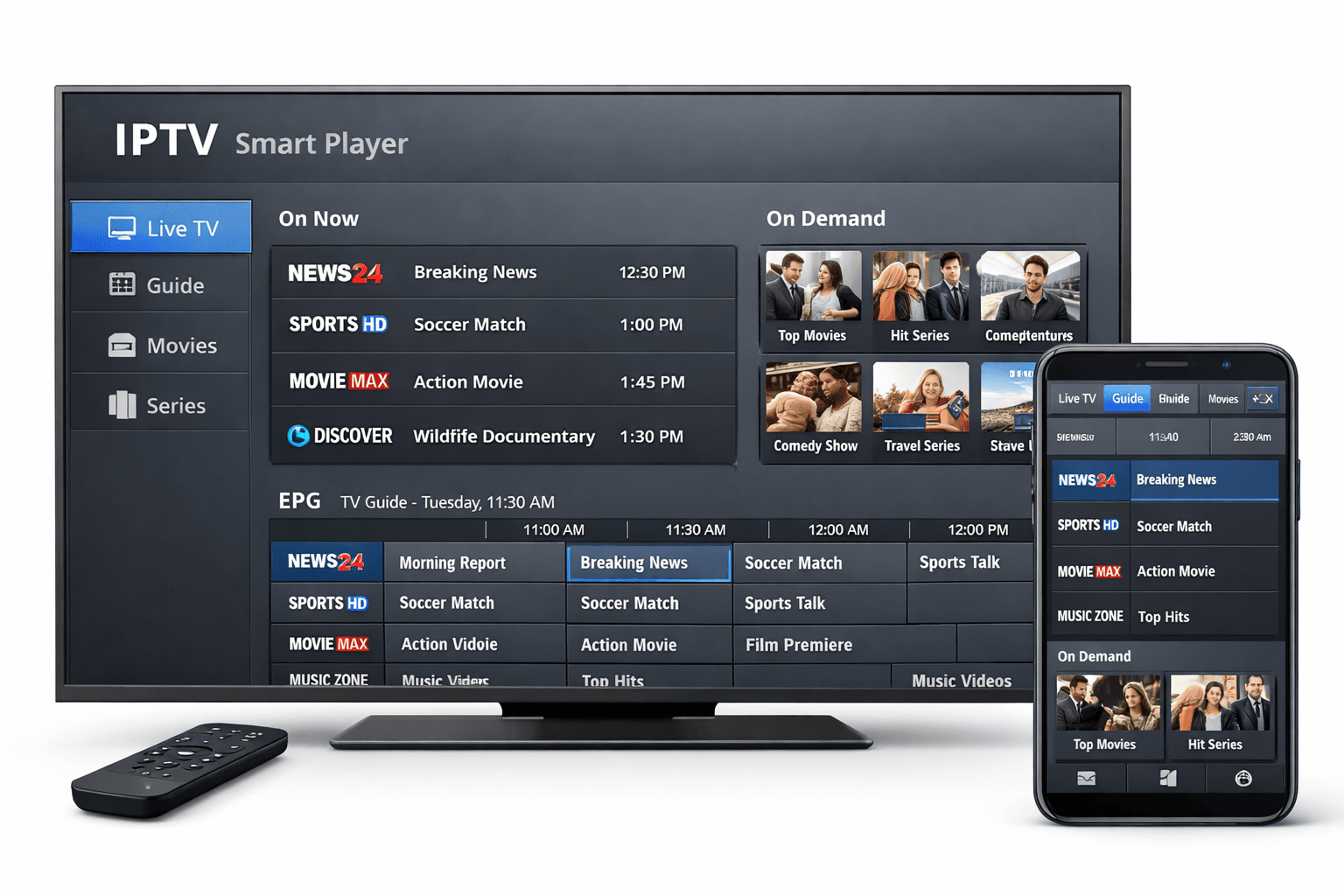
- Image prompt: Photorealistic UK living room scene. A modern smart TV displays a generic “Smart Player Dashboard” with neutral tiles (Live TV, VOD, Series, EPG, Playlists, Settings). One streaming box and one remote on the table. A phone shows the same generic dashboard. No logos, no channel names, no copyrighted content. Soft natural daylight, realistic reflections, professional product photo, 16:9, high detail.
- SEO filename: iptv-smart-player-uk-2026.webp
- Exact alt text: iptv smart player app interface on smart tv and mobile device
Only access content you’re authorised to view and review provider policies before subscribing.
If buffering is your main issue, go to buffering diagnosis.
Table of contents
- What an IPTV smart player is (and isn’t)
- How it works (simple mental model)
- Common features that actually matter
- Devices & performance tips
- Setup methods (playlist vs login)
- Buffering diagnosis: app vs network vs upstream
- EPG not working? Fixes that usually work
- Login failed / playlist won’t load (fast flow)
- Best practices for a “feels fast” daily experience
- Privacy & safety basics
- FAQ
- External resources & related posts
1) What an IPTV smart player is (and isn’t)
An IPTV smart player is a media player designed to load IPTV libraries using a playlist URL/file (often called M3U),
or login-style access details (portal/credentials). Its job is to organise Live TV, VOD, and Series into a TV-friendly layout:
categories, search, favourites, and (when provided) an EPG.
✅ It IS
- A playback dashboard for IPTV streams
- A way to organise channels, VOD, and series
- Often EPG-friendly (if the guide feed exists)
- Useful for favourites, profiles, and navigation
❌ It is NOT
- A provider or channel source
- A guarantee of “no buffering ever”
- A fix for peak-time server congestion
- A replacement for stable Wi-Fi/Ethernet
If you remove your playlist/login details, there is nothing to play — that’s normal for IPTV players.
2) How it works (simple mental model)
Most IPTV players follow the same pipeline. If you understand it, troubleshooting becomes much faster:
- Input: you add a playlist link or credentials.
- Library load: the app imports channels, VOD, posters, and EPG (if provided).
- UI build: it creates categories, favourites, search, and menus.
- Playback: it starts a stream and your device decodes it (network + device + upstream load matter).
“Channels don’t load” is usually an input/portal issue. “Streams buffer” is usually network/device/upstream behaviour.
3) Common features that actually matter
Many apps list dozens of features. The ones that matter in real homes are the ones that reduce friction:
fewer clicks, quicker browsing, and fewer restarts.
EPG (TV Guide)
- Lets you browse by programme and time
- Depends on the guide feed being provided
- Requires correct device time/timezone
Favourites + category control
- Makes the app feel faster immediately
- Reduces “menu overload” on older devices
- Improves household usability
Search + recent items
- Saves time when you know what you want
- Helps avoid deep category browsing
Profiles / parental controls (optional)
- Useful for family use cases
- Less important than stability and speed
A common mistake is leaving thousands of channels visible and blaming the app for feeling slow. A favourites-first setup fixes that.
4) Devices & performance tips
IPTV smart players run on many devices, but performance depends on decoding ability and memory. If one device stutters and another doesn’t,
that often points to the device — not the service.
Common supported device types
- Smart TVs (availability varies by ecosystem)
- Android phones/tablets
- Android TV / Google TV boxes
- Streaming sticks/boxes
- Desktop versions (depends on distribution)
Performance upgrades that work
- Ethernet for the main TV device (best stability)
- 5GHz Wi-Fi close to router if Ethernet isn’t possible
- Keep storage free (low storage can cause stutter)
- Restart device weekly if it’s low-memory
5) Setup methods (playlist vs login)
Setup is where most people fail — usually due to a hidden space, wrong character, or incorrect URL format.
The two common methods are:
Playlist (often M3U)
Flexible and common. Large playlists can feel heavier on older devices.
- Add playlist
- Paste the playlist URL exactly (no trailing spaces)
- Import categories
- Test switching + search + favourites
Login-style access
Often easier for everyday use because categories load cleanly and stay organised.
- Add profile/user
- Choose the login method your provider supplies
- Copy/paste URL, username, password (remove spaces)
- Load content → test 3 channels → set favourites
6) Buffering diagnosis: app vs network vs upstream
Buffering is usually a pattern problem. Observe when it happens:
only evenings? only sports/live events? only one device? only one room on Wi-Fi?
Those patterns point to the root cause.
- Improves closer to router
- Ethernet is smooth while Wi-Fi buffers
- Only one device buffers (others are fine)
- Worsens during downloads/updates
- Works daytime, struggles evenings/weekends
- Live events trigger instability
- Many channels degrade together
- Switching streams helps only temporarily
Fast isolation test: try the same channel on a different device and on a hotspot once.
If hotspot fixes it, your ISP/router/Wi-Fi is likely the cause. If hotspot doesn’t, it’s more likely upstream.
7) EPG not working? Fixes that usually work
Guide problems typically come from one of three causes: (1) the guide feed is down/not provided,
(2) timezone/time mismatch, or (3) stuck cache.
- Refresh EPG inside the app and wait 60–120 seconds.
- Check device time/timezone (wrong time = wrong guide).
- Clear cache (avoid “clear data” unless you want to re-login).
- Test another category to see if it’s only one group.
- If nothing loads, the provider’s guide feed may be down temporarily.
If you want a deeper troubleshooting framework, link this page to your EPG guide (internal).
8) Login failed / playlist won’t load (fast flow)
Don’t change random settings. Use this short flow:
Do these first
- Copy/paste credentials (no typing)
- Remove trailing spaces in URLs
- Delete the profile and re-add cleanly
- Restart the device after adding
If it still fails
- Hotspot test (isolates ISP/network)
- Test on a second device (isolates device)
- Try again later (portal may be temporarily down)
If content loads but posters/EPG don’t, it may be a temporary metadata feed issue rather than login failure.
9) Best practices for a “feels fast” daily experience
- Favourites-first: keep a short daily list (10–30 channels).
- Hide unused categories: remove duplicates you never open.
- Peak-time test: evenings/weekends reveal real stability.
- Restart occasionally: low-memory devices improve after a restart.
- Ethernet baseline: test Ethernet once to confirm if Wi-Fi is the bottleneck.
it will feel premium even without flashy extras.
10) Privacy & safety basics
Treat playlists and portal details like account credentials. Don’t share them publicly, avoid reusing important passwords,
and keep devices updated.
- Use reputable install sources when possible.
- Avoid “optimizer” apps that promise miracles.
- Don’t reuse passwords you use for email/banking.
- Keep device time correct (EPG and playback can break if time is wrong).
FAQ
Does an IPTV smart player include channels?
No. It’s a player interface. You need playlists or login details from an IPTV service you already use.
Why is my EPG empty?
Most commonly: guide feed not provided/down, timezone mismatch, or cache issues. Refresh → check time/timezone → clear cache.
Is buffering always the app’s fault?
No. It’s often Wi-Fi conditions, ISP routing, device limitations, or peak-time upstream load.
Fastest way to troubleshoot?
Test the same channel on a second device and do a hotspot test once. It isolates device vs network vs upstream quickly.
🌐 External resources
Neutral references (safe outbound linking, non-DMCA-adjacent).
How streaming works (Cloudflare)
Clear cache & cookies (Google Support)
Cloudflare Speed Test (network baseline)