

4K IPTV (2026): Powerful Ultra-HD Guide to Avoid Buffering & Get Stunning Quality
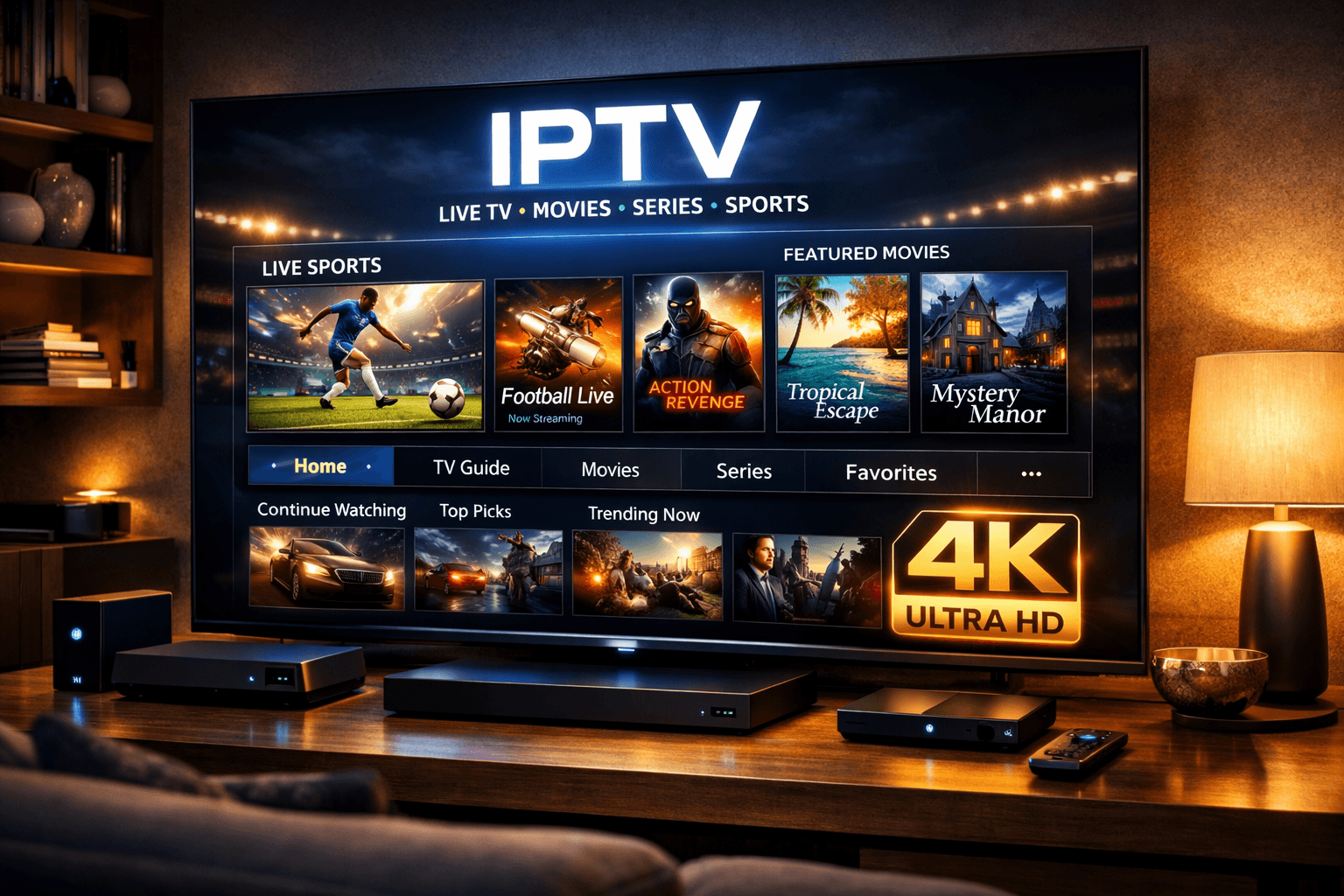
4K is the go-to choice for viewers who want sharp detail, richer colour, and a more cinematic feel
on modern TVs. But real 4K also needs the right internet speed, the right device, and a service that can
actually deliver stable Ultra HD streams — especially during peak hours.
This guide explains how IPTV works and what you need for smooth playback.
What Is 4K IPTV?
4K IPTV refers to IPTV streaming that can deliver Ultra HD (3840 × 2160) video quality over the internet.
Compared with standard HD, 4K can look noticeably sharper on larger screens, with finer detail and improved clarity.
It uses the same IPTV concept as other streaming formats, but consistent 4K playback requires stronger bandwidth,
stable routing, and a device that can decode Ultra HD smoothly.
Why Choose IPTV?
Viewers choose 4K IPTV because it can offer:
- Ultra-sharp picture quality on modern TVs
- More detail on sports, nature, and fast motion scenes
- Better viewing on large-screen displays
- A more immersive, “cinema-style” streaming experience
If your setup supports it, 4K IPTV can feel like a real upgrade — but only when the stream stays stable.
What You Need for IPTV Streaming
Before you subscribe or upgrade, confirm you have the basics needed for 4K IPTV to run smoothly.
Most buffering complaints come from missing one of these:
- 4K TV or display (Ultra HD panel)
- Stable internet (fast enough and consistent, not just “peak speed”)
- 4K-capable streaming device/app (hardware decoding support matters)
- A service that supports real 4K IPTV streams (not only “upscaled” HD)
A consistent connection will outperform a “fast” line that spikes and drops.
Best Devices for IPTV
The best IPTV experience usually comes from devices built for Ultra HD decoding and stable playback.
Common good options include:
- Modern 4K Smart TVs with reliable app support
- Dedicated 4K streaming devices (hardware decoding)
- Android TV / Google TV boxes with strong performance
- High-performance media players that support Ultra HD smoothly
Underpowered devices can cause buffering, stutter, or forced quality drops — even if the IPTV stream is good.
How to Choose a IPTV Service
When evaluating IPTV options, focus on what affects daily viewing — not just what the sales page promises.
A reliable IPTV service should be judged on:
- True 4K stream availability (not only “4K labelled” content)
- Peak-hour stability (evenings, weekends, live events)
- Device/app compatibility with your preferred setup
- Usability (categories, search, and guide support where available)
- Trial/short plan availability to test real performance
Not every provider advertising 4K IPTV can deliver consistent Ultra HD streams all the time.
Common 4K IPTV Mistakes
People often run into problems with IPTV because of a few common misconceptions:
- Assuming every channel is available in 4K
- Ignoring stability and focusing only on “download speed”
- Using a device that can’t decode Ultra HD smoothly
- Believing “4K” labels without testing real playback
Avoid these mistakes and IPTV becomes much more predictable — and much more enjoyable.
IPTV and Legal Awareness
IPTV as a technology can be used legally. As with any IPTV service, legality depends on whether the content
is properly licensed for distribution. Only use sources you’re authorised to access.
Who Is 4K IPTV Best For?
4K IPTV is usually best for:
- Households with a large 4K TV
- Viewers who care most about picture quality
- Home theatre fans upgrading from HD streaming
- Users with stable broadband and solid Wi-Fi coverage
If visuals are your priority, 4K IPTV is a strong upgrade — as long as your setup supports it.
Final Verdict
IPTV can deliver a genuinely premium viewing experience when the service provides real Ultra HD streams,
and when your internet and device are ready for it. Choose based on stability, compatibility, and realistic performance testing,
and your IPTV setup will feel like a true upgrade.